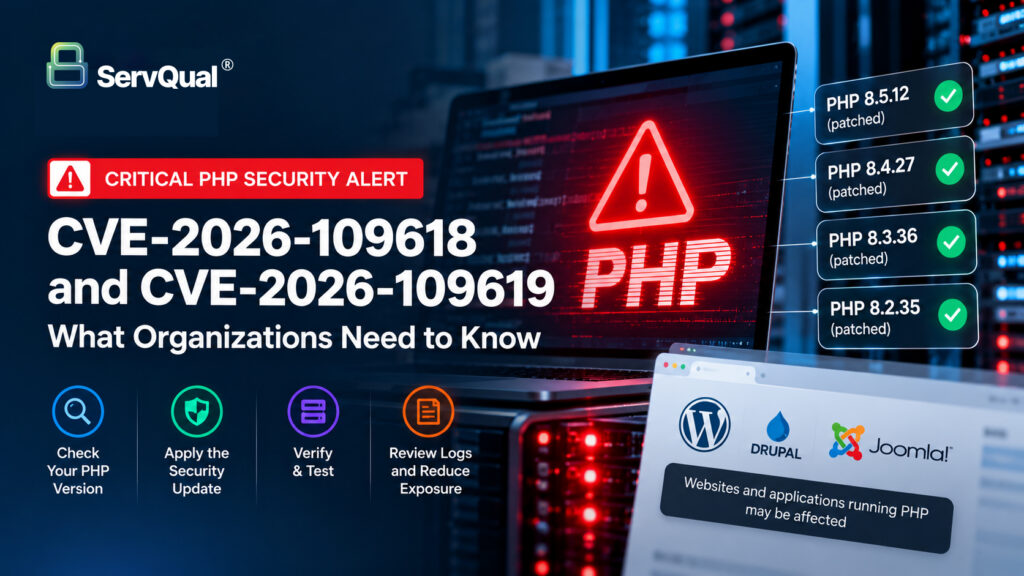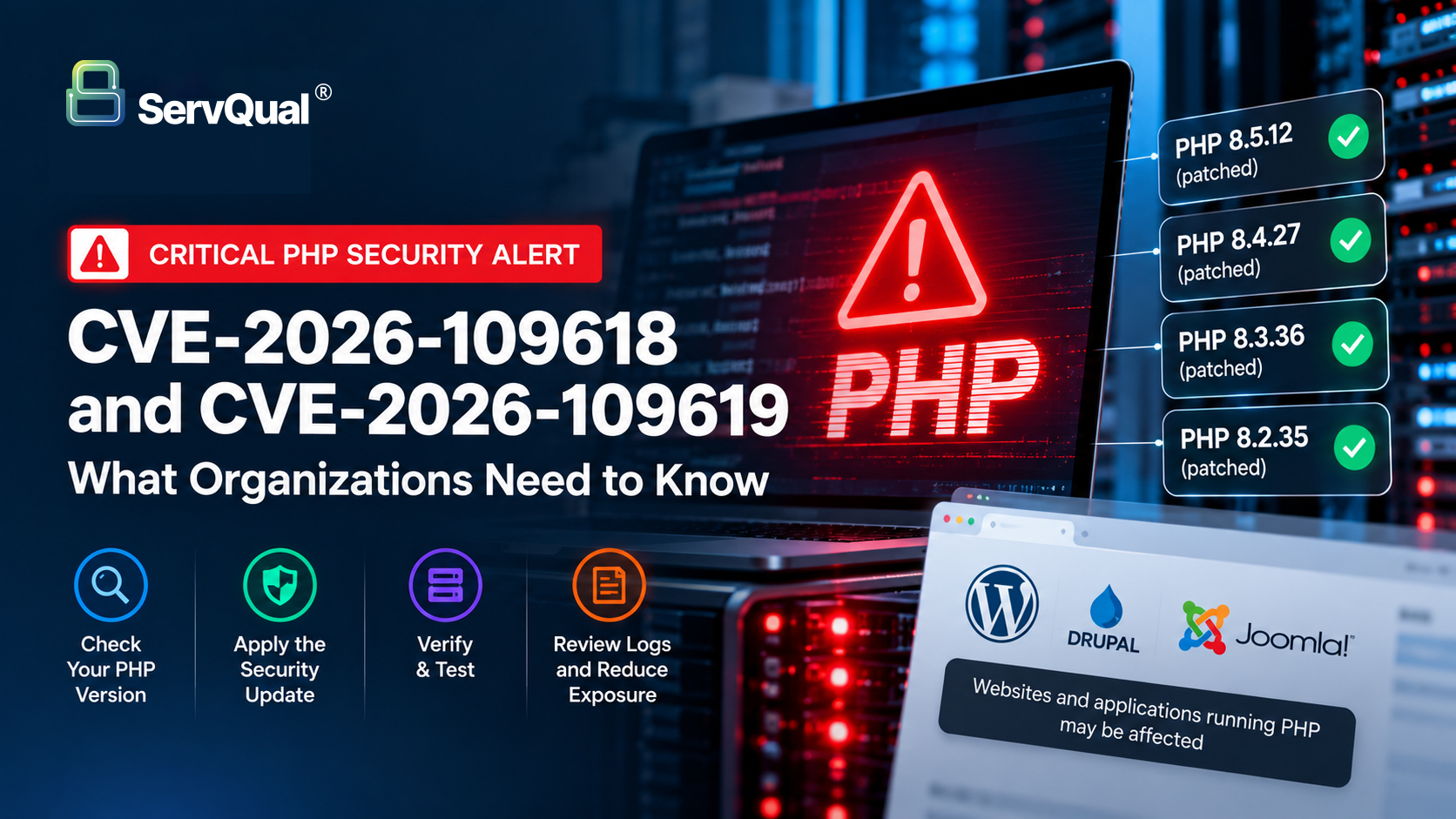
Two critical vulnerabilities in PHP, CVE-2026-109618 and CVE-2026-109619, have triggered urgent security advisories for organizations operating PHP-based websites and applications.
Both vulnerabilities can potentially allow an unauthenticated attacker to achieve remote code execution (RCE) on affected PHP installations.
Organizations running internet-facing PHP services should verify their PHP versions and apply the appropriate security update as a priority.
Which PHP Versions Are Affected?
The PHP security releases published on 21 October 2026 provide fixes in:
PHP 8.5.12
PHP 8.4.27
PHP 8.3.36
PHP 8.2.35
Organizations running earlier releases within these branches should update to the corresponding patched version. PHP 8.1 and earlier have reached end of life and do not receive fixes for these vulnerabilities from the PHP project. Systems still using unsupported PHP versions should therefore be treated as a priority for upgrade.
Why Does This Matter for Website Owners?
PHP is widely used to support websites, content management systems and web applications, including platforms such as WordPress, Drupal and Joomla.
The vulnerabilities exist in the underlying PHP runtime, rather than WordPress itself.
This means a WordPress installation may still be exposed even when:
WordPress core is fully updated
Plugins are current
Themes are current
A Web Application Firewall is enabled
Updating WordPress plugins or WordPress core does not patch a vulnerability in the PHP runtime.
Is WordPress Affected?
The WordPress project has issued a security notice advising site owners to update PHP as soon as possible.
WordPress has confirmed that these vulnerabilities are not specific to WordPress, and no WordPress-core update is required or planned specifically for these issues.
Website owners should instead verify the PHP version provided by their web server or hosting provider.
How to Check Your PHP Version in WordPress
In the WordPress administration dashboard, navigate to:
Tools → Site Health → Info → Server
Review the PHP version reported for your website.
The version visible in WordPress should then be compared with the current patched PHP releases.
What Should Organizations Do Now?
1. Identify Internet-Facing PHP Systems
Identify websites, portals, APIs and other internet-facing applications that depend on PHP.
Prioritize externally accessible production systems.
2. Check the Installed PHP Version
Determine which PHP version each affected environment is currently running.
For managed hosting environments, also verify whether the hosting provider has applied an equivalent vendor security backport.
3. Apply the Security Update
Update to the appropriate patched PHP release:
PHP 8.2 → 8.2.35 or later
PHP 8.3 → 8.3.36 or later
PHP 8.4 → 8.4.27 or later
PHP 8.5 → 8.5.12 or later
Organizations operating PHP 8.1 or older should plan an immediate migration to a supported PHP release rather than relying on an unsupported runtime.
4. Confirm the Patch Was Actually Applied
Do not treat an update request or hosting-provider notification as sufficient evidence.
Verify:
the PHP version running in production
the hosting provider’s security update status
application availability after patching
server and application logs
expected website functionality
Maintain evidence of the remediation for vulnerability management and security governance purposes.
5. Review for Suspicious Activity
Security teams should review relevant web server, application and security logs for unexpected activity, particularly on internet-facing PHP systems.
Organizations should follow their Incident Response procedures if there are indicators suggesting possible exploitation.
6. Reduce Exposure Where Immediate Patching Is Not Possible
If an affected system cannot be patched immediately, reduce its exposure while remediation is prepared.
Depending on the environment and business impact, this may include restricting external access or taking the vulnerable service offline.
A Web Application Firewall may provide additional defensive coverage, but it should not be treated as a replacement for the PHP security update.
Using Managed WordPress Hosting?
Organizations using managed WordPress platforms should confirm directly with their hosting provider that the underlying PHP runtime has been updated or appropriately patched.
Do not assume that automated WordPress, plugin or theme updates mean that the server-side PHP vulnerability has also been remediated.
For GoDaddy Managed WordPress, review the PHP version shown for the production environment and confirm with GoDaddy that the applicable PHP security patch has been deployed to the hosting environment.
Why Patch Verification Matters
Critical vulnerability response is not complete when an update is requested.
Organizations should be able to demonstrate:
Affected Asset Identified → Patch Applied → Version Verified → Application Tested → Security Evidence Recorded
This is particularly important for organizations operating regulated systems or maintaining formal vulnerability management, Cybersecurity, Governance, Risk and Compliance processes.
How ServQual Can Help
ServQual helps organizations identify security exposures, assess vulnerability impact, prioritize remediation and maintain evidence of security actions.
SUSAN supports broader Cybersecurity, risk and governance workflows by helping organizations maintain visibility into security risks, remediation activities and assurance evidence.
For critical vulnerabilities such as CVE-2026-109618 and CVE-2026-109619, the immediate priority remains straightforward:
Identify affected PHP systems. Apply the security update. Verify the patch. Review exposure. Record the evidence.
Key Takeaway
Website owners should not assume that an updated WordPress installation means the underlying web stack is secure.
CVE-2026-109618 and CVE-2026-109619 affect PHP itself.
If your website or application runs PHP, verify the runtime version now and ensure the appropriate security release has been deployed.
Secure your website. Verify your patches. Reduce your risk.
“Traditional network segmentation assumes zones are safe internally. Microsegmentation assumes nowhere is safe without explicit authorization.”

ServQual Security Advisory
FAQ
Most frequent questions and answers
CVE-2026-109618 and CVE-2026-109619 are critical PHP vulnerabilities that can potentially allow unauthenticated remote code execution on affected PHP installations.
Security fixes were released in PHP 8.2.35, PHP 8.3.36, PHP 8.4.27 and PHP 8.5.12. Organizations should update to the appropriate patched release or confirm that their hosting provider has applied an equivalent security backport.
The vulnerabilities affect the underlying PHP runtime rather than WordPress core itself. A fully updated WordPress installation may therefore still be exposed if the server is running an affected PHP version.
n the WordPress administration dashboard, go to:
Tools → Site Health → Info → Server
Review the PHP version shown for the website and compare it with the current supported security releases.
No. Updating WordPress plugins, themes or WordPress core does not patch vulnerabilities in the underlying PHP runtime. The PHP environment itself must be updated or appropriately patched by the hosting provider.
A Web Application Firewall may provide additional defensive coverage, but it should not be treated as a replacement for applying the PHP security update.
Organizations should verify the PHP version running in production, test website functionality, review relevant logs and retain evidence that the remediation was successfully completed.
Contact the hosting provider and confirm whether the affected PHP runtime has been updated or whether an equivalent security patch has been backported. Do not assume that automatic WordPress updates also mean the underlying PHP environment has been patched.
Is Your PHP Environment Patched?
Critical PHP vulnerabilities such as CVE-2026-109618 and CVE-2026-109619 require more than a routine website update.
ServQual can help organizations identify affected systems, assess exposure, prioritize remediation and maintain evidence of vulnerability management activities.
Disclaimer:This security advisory is provided for general informational purposes. Vulnerability exposure and remediation requirements depend on the PHP version, hosting architecture, web server configuration and provider-specific patching arrangements. Organizations should validate remediation against official PHP and hosting-provider security guidance.